Protect a device
Choose a device or service below, then open its guide. Start with the device you want to make safer.
15 guides found
Virgin Media: set up safer browsing at home
Let's use the controls included with your Virgin Media broadband to set browsing boundaries that suit your family.
OpenDNS: free family website filtering
Want free website filters for your home? Let's check your router, choose an OpenDNS option and make sure it works for your family.
BT: switch on and personalise parental controls
Let's set some browsing boundaries that work for your family, using the controls included with your BT broadband.

Back up the family photos you can't replace
Those everyday snapshots can become your favourite memories. Let's give them a safe second home, so losing a phone doesn't mean losing the photos too.
Lost or stolen phone? Here's what to do
Losing a phone is upsetting. Use another device you trust, lock the missing phone and work through the steps below. Your safety comes first.

Microsoft Windows: everyday security checks
Let's check your Windows PC is looking after the things that matter: your accounts, your files and your family's photos.

Mac security checklist: a little care for the family computer
A few small checks can help keep your Mac, family photos and everyday files safe. Open a question below and we'll take it one step at a time.
How to update your iPhone or iPad
Have your iPhone or iPad handy? It can tell you which version you have and whether there’s an update ready for you.
How to update your Mac
Your Mac can check for you. Here’s where to find its software version and what to click when an update is ready.
How to update your Samsung Galaxy tablet
A Samsung bulletin can mention lots of models. Your own tablet can tell you whether its update is ready.

How to update your Xbox
For Xbox One, Series X and Series S. Save your game first so the console can restart when it needs to.

How to update your PlayStation 5
Here’s how to check the software on your PS5 and install an update from the console’s home screen.
How to update your PlayStation 4
Here’s how to check the software on your PS4 and install an update from the console’s home screen.

How to update your Nintendo Switch or Switch 2
These steps work on Switch, Switch Lite, Switch OLED and Switch 2. Save your game before you start.
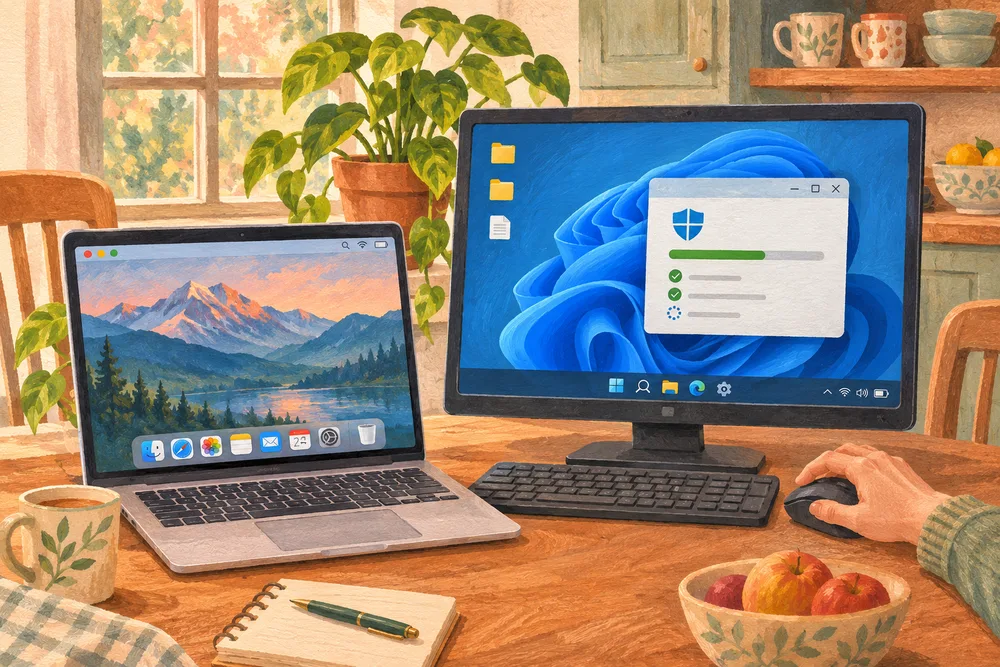
Does your Mac or Windows PC have antivirus?
Your computer may already have antivirus. Find out what is protecting it, check that protection stays up to date and choose the steps needed for your Windows PC or Mac.
What we're adding next (9 topics)
Topics in progress. They'll appear above when ready.
A household plan for account access and recovery
How to keep a secure record of important accounts, recovery details, and trusted contacts who could help if someone lost access.
Reviewing your digital footprint and location sharing
What others can find about you online, how to review what you share, and where location sharing is active across apps and devices.
Identity misuse: where to start
Practical first steps if you suspect someone has used your personal information, including who to contact and how to limit further exposure.
Helping a relative use their phone with confidence
Patient, practical ways to help an older relative feel more confident with their phone, including common scam warnings and simple security checks.
Connected cameras, doorbells and smart-home devices
How to review the security and privacy settings of smart-home devices, including cameras, doorbells, and voice assistants.
Android phones and tablets: a family starting point
Using Google Family Link and built-in Android settings to manage screen time, app permissions, content filters, and purchases for a child's device.
Roblox and Minecraft: multiplayer, contact and spending
How to review who can contact your child, how chat works, and how spending is managed in two of the most popular family games.
Xbox, PlayStation and Nintendo: family settings
Setting up child accounts, managing screen time, controlling spending, and reviewing who can communicate with your child on major games consoles.
Social media and messaging: privacy and contact settings
How to review who can see your child's posts, who can contact them, and how to manage messaging and location sharing across popular social platforms.